
The fix your best tech would do.
Every time.
Playbooks check the endpoint, show exactly what they will change, ask before acting, and prove the result with a before-and-after report. Every run is written to your audit trail.
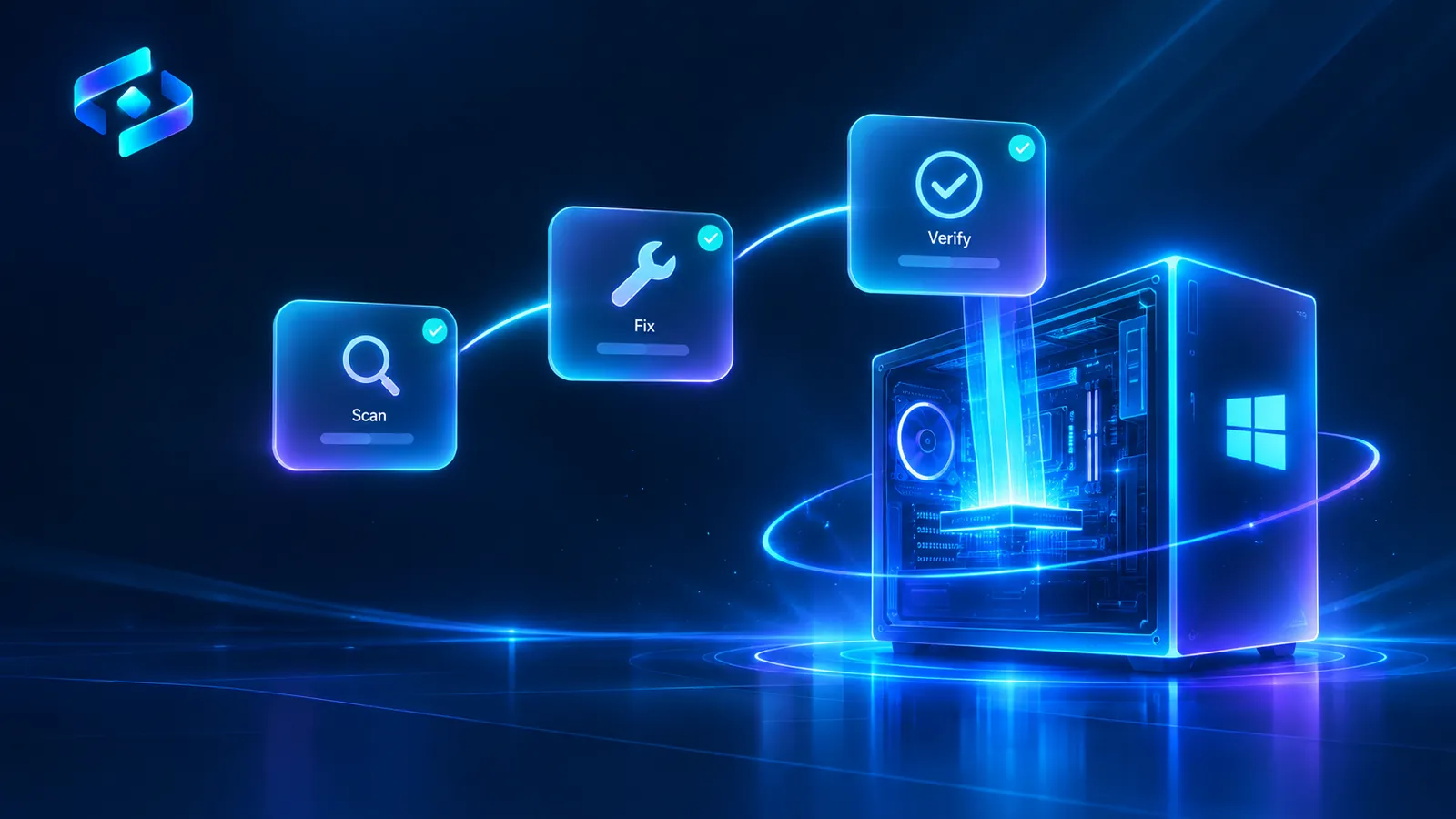
VPN will not connect
Remote workers cannot reach internal apps.
- checkTest DNS resolution and reachability of the VPN gateway
- checkConfirm VPN client services are running and the adapter is enabled
- fixRestart VPN services and reset the virtual adapter
- fixFlush DNS and re-register the client
- verifyRe-test gateway reachability and internal name resolution
Printer offline or stuck jobs
Jobs sit in the queue or the printer shows offline.
- checkSpooler service state, stuck jobs and queue status
- checkPing the print server and test port 445/9100
- fixStop spooler, clear stuck jobs, restart spooler
- fixRe-map the shared queue from the configured print server
- verifyQueue online, no stuck jobs, test page optional
Software Center is blank or apps will not install
ConfigMgr client is unhealthy or policies are stale.
- checkCcmExec service, client version, management point and cache size
- checkLast machine and user policy retrieval times
- fixRestart CcmExec and trigger Machine Policy, App Deployment Evaluation and Hardware Inventory cycles
- fixClear orphaned ccmcache content when the cache is full
- verifyPolicy timestamps updated and Software Center lists deployments
Name resolution and network stack
Sites will not load or internal names fail.
- checkAdapter priority: Ethernet, Wi-Fi, then cellular
- checkDNS servers, suffix list and resolution of internal and external names
- fixFlush DNS, renew DHCP lease and re-register DNS
- fixReset Winsock only when the stack is corrupt (asks first; requires restart)
- verifyInternal and external names resolve and the gateway responds
Low disk space
Updates fail or the PC is slow because C: is nearly full.
- checkFree space, largest folders, Windows Update and ccmcache usage
- fixClear temp folders, Delivery Optimization cache and old update files
- verifyFree space re-measured and reported in the evidence bundle
Windows Update stuck
Patches fail repeatedly or show pending forever.
- checkUpdate services, pending reboot flags and recent failure codes
- fixReset Windows Update components and SoftwareDistribution
- verifyUpdate scan succeeds and the failure count clears
Turn tribal knowledge into team standard
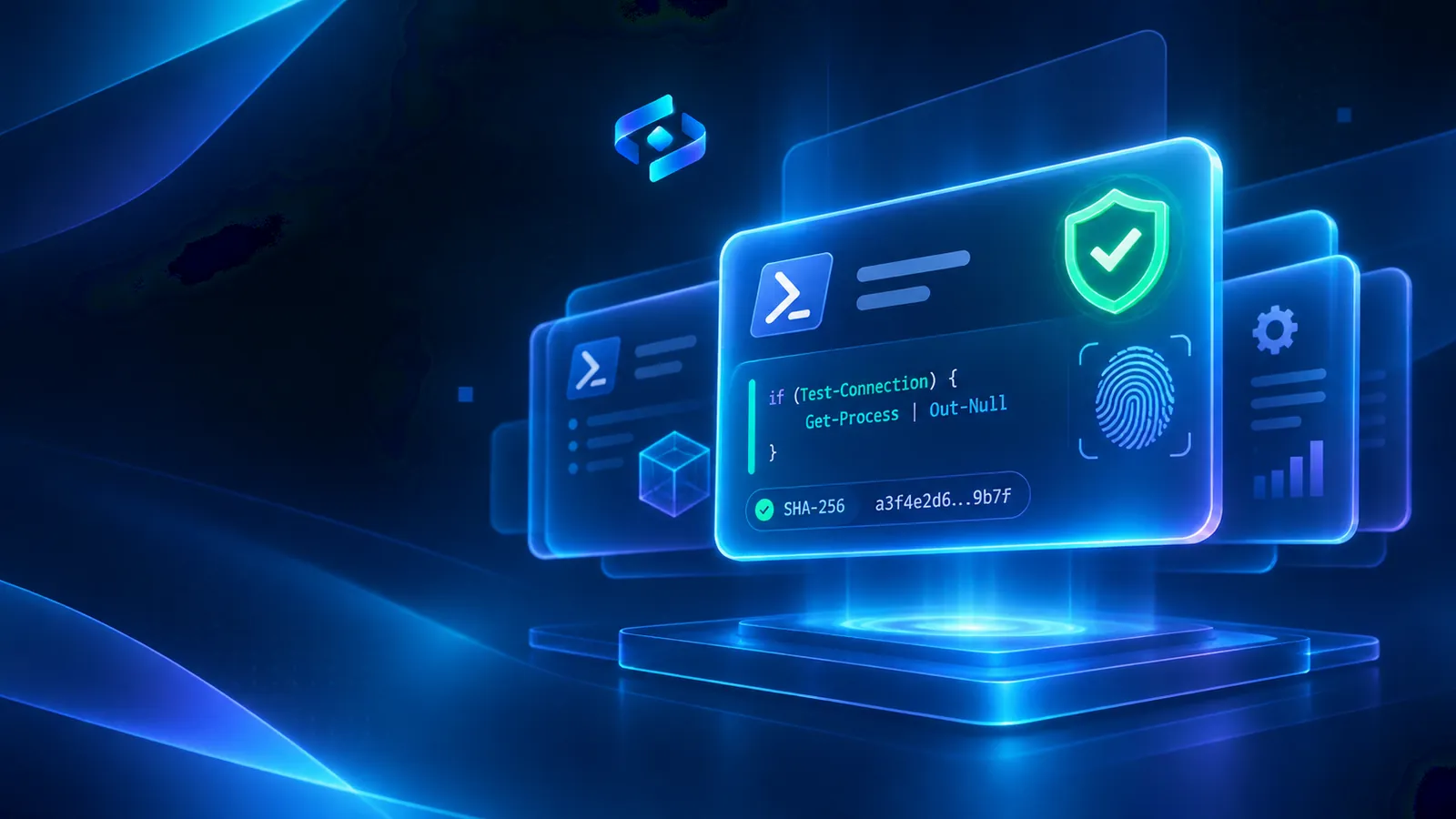
Save the scripts your senior technicians rely on in the Script Library. An admin approves each version once, EndpointRemote fingerprints it with SHA-256, and every console runs exactly that version. Turn on approved-scripts-only mode and nothing else runs.
- Versions, change notes and one-click restore
- Ratings and run counts show which fixes work
- Who can run it: any technician, senior, or admins only
Ready to stop fixing the same problem twice?
Every playbook is included in every plan, including the 30-day trial.